
SALES PAGE BUILDER · FREE TO START
SalesPage Studio
FreeTO START · OPTIONAL PRO UPGRADE IN THE APP
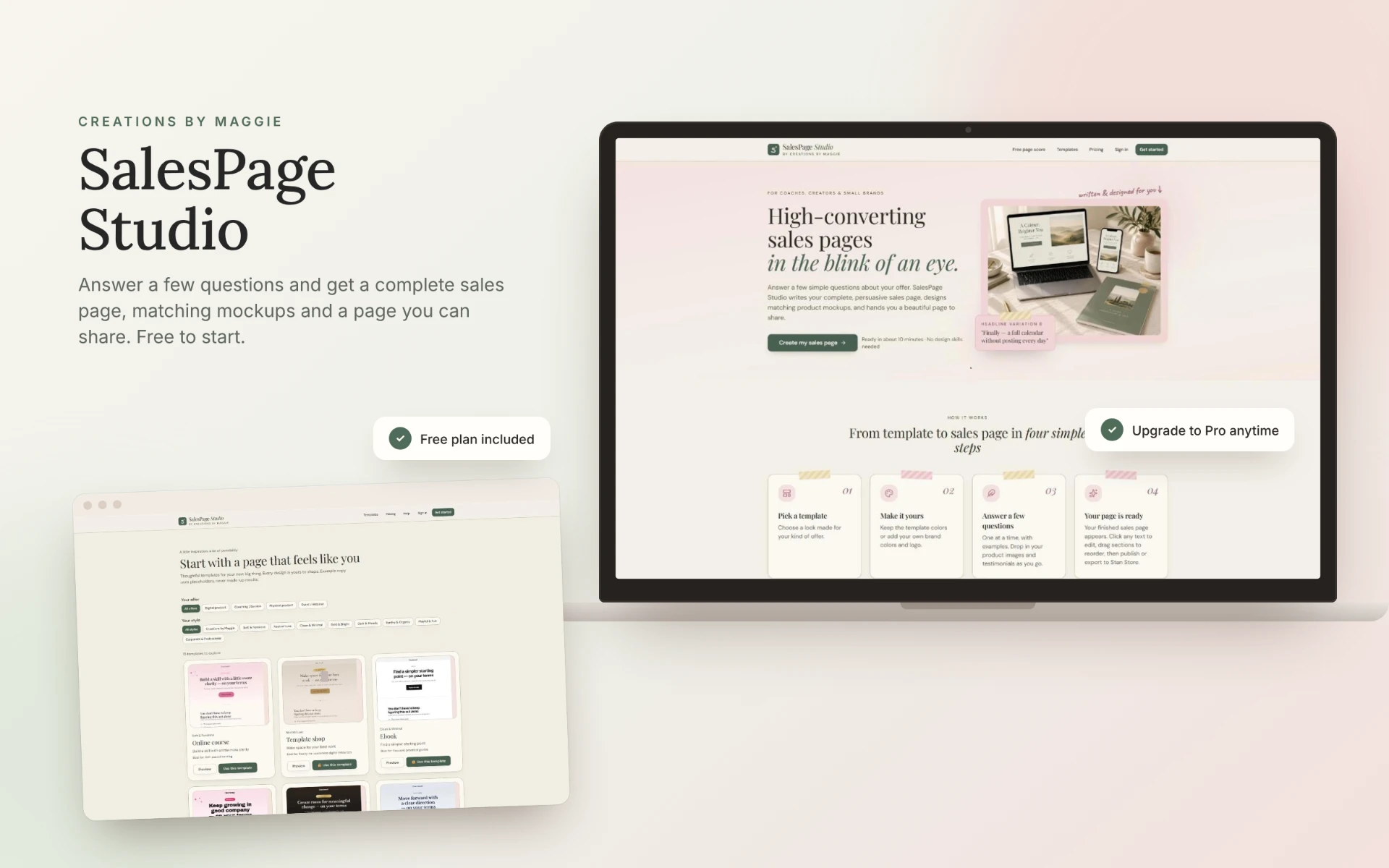
Answer a few questions. Get a complete sales page.
Tell SalesPage Studio about your offer and pick a template. Start free with a ready-made page you can edit and publish. Upgrade to Pro when you want AI to write your whole page, give you headline ideas and create matching mockups.
Bought The AI Workbook Studio? SalesPage Studio is included free in your Creations by Maggie Library.
WHAT USERS ARE SAYING 💬
I love this product , it really save a lot of time and the templates are beautiful and professional designed .
01 / SOUND FAMILIAR?
Your offer is ready. The sales page isn’t.
✕ Problem“I don’t know what to write on my sales page.”
Answer a few questions about your offer, and it writes a complete sales page for you. Included with Pro
✕ Problem“My product images don’t match my page.”
It creates matching product mockups to go with your page. Included with Pro Free includes one mockup style.
✕ Problem“I can never settle on a headline.”
You get headline variations to choose from. Included with Pro
✕ Problem“I don’t want a page that looks like everyone else’s.”
Choose a template by offer type and style, then edit any text and reorder sections.
✕ Problem“I can’t tell if my page is any good.”
Check it with a free page score.
✕ Problem“I sell on Stan Store.”
When you’re happy, publish your page, or export it to Stan Store with Pro. Included with Pro
WHY I MADE THIS
I built SalesPage Studio because every sales page tool I tried felt so generic. I wanted something that asks about your offer and gives you a page that actually sounds like you, not like everyone else’s.
Maggie ♡
02 / LOOK INSIDE
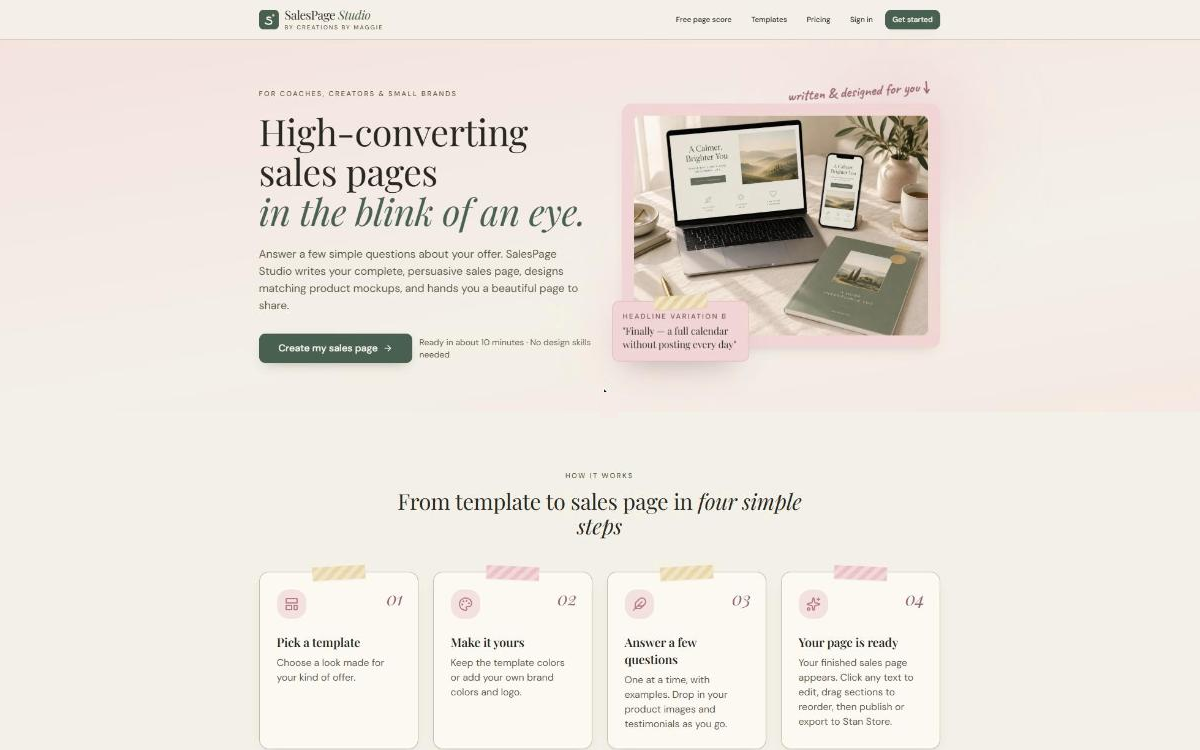
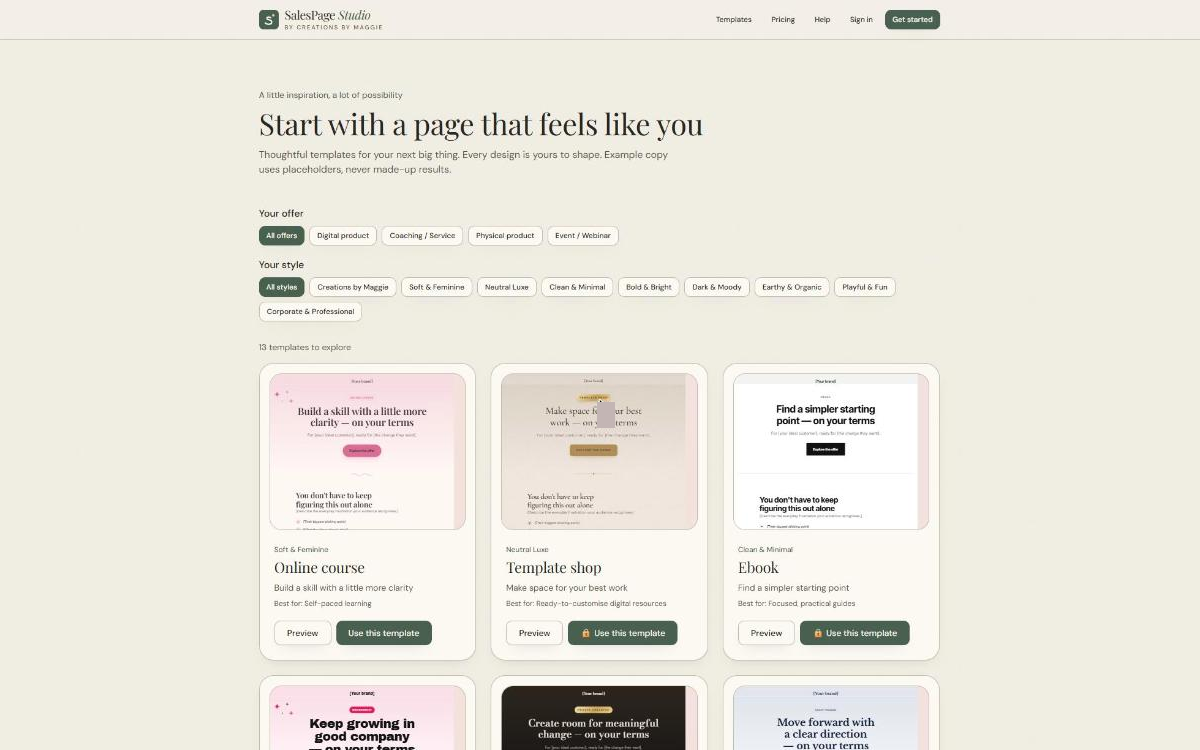
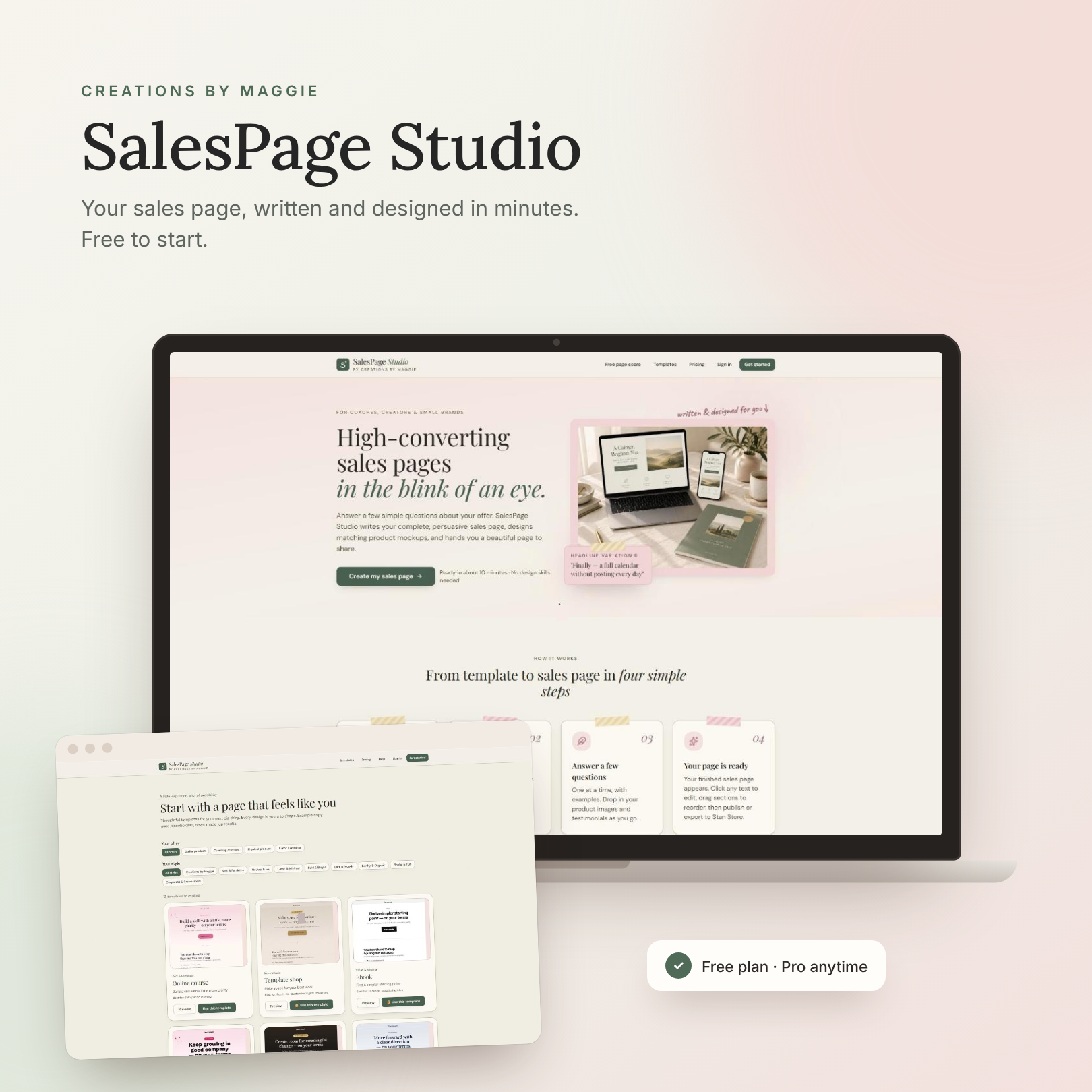
A real look inside the app.
These are screenshots of SalesPage Studio itself.
Imagine this instead…
No more staring at a blank page or a template that looks like everyone else’s. Your sales page is written, designed and live, and it sounds like you.
03 / HOW IT WORKS
From a few answers to a page you can share.
- 01
Pick a template
Choose a look made for your kind of offer and your style.
- 02
Answer a few questions
Tell it about your offer, one question at a time.
- 03
Get your page
Start from your template’s ready-made copy, or with Pro, AI writes your full page, matching mockups and headline variations.
- 04
Make it yours and share it
Edit any text, reorder sections, then publish it on a SalesPage Studio link, or export it to Stan Store with Pro.
What’s free vs Pro
Free
Free to start
- 1 sales page built from a template (template copy you fill in and edit, not written by AI)
- 1 mockup style (ebook box)
- Up to 3 testimonials (screenshots or quotes)
- 1 free page score (audit summary)
- Publish your page on a SalesPage Studio link (small badge)
- Edit text and reorder sections
Pro
Pro is an optional subscription inside the app
- AI writes your full sales page from your answers
- Headline variations
- AI rewrites
- Every mockup style
- Unlimited pages
- Unlimited testimonials, including video, stats and logos
- Full audits with fixes and rewrites
- Brand Kit
- Custom domain
- No badge
- Export to Stan Store
Free to start. Pro if you want it. Try it with your own offer for free. Pro is an optional subscription inside the app.
See pricing (opens in a new tab)04 / IS IT FOR YOU?
SalesPage Studio is for you if…
- You have an offer and need a page that explains it clearly.
- You’d rather answer questions than start from a blank page.
- You sell on Stan Store, or you want a page you can publish and share.
- You want to try it for free before deciding on anything else.
Still need something to sell? The AI Workbook Studio helps you turn an idea into a finished workbook, and its buyers get SalesPage Studio free through the Library.
See The AI Workbook Studio05 / QUESTIONS
Good questions to ask.
Is it really free to start?
Yes. You can start for free. Pro is an optional subscription inside the app, and you can see what’s included on the pricing page.
What is the Founding Member price?
The first 10 people who upgrade to Pro pay $17/month instead of $27/month, and keep that price for as long as they stay subscribed. Once the 10 spots are taken, the offer closes. You can see how many spots are left on the pricing page.
What do I get on the free plan?
One sales page built from a template, with template copy you fill in and edit (not written by AI). One mockup style (ebook box). Up to 3 testimonials (screenshots or quotes). One free page score with an audit summary. You can publish your page on a SalesPage Studio link (it shows a small “Made with SalesPage Studio” badge), and you can edit text and reorder sections.
Do I need writing or design skills?
No. On the free plan you get a template page with ready-made copy that you fill in and edit. With Pro, it writes your page for you from your answers. Either way, you can edit any text and move sections around until it feels like you.
Does it work with Stan Store?
Yes. With Pro, you can export your page to Stan Store. On the free plan, you can publish your page on a SalesPage Studio link (with a small badge) and share that link.
I bought The AI Workbook Studio. How do I get it?
It’s included free through your Creations by Maggie Library. Sign in with the email you used at checkout. Upgrading inside the app is optional.
Your next sales page starts here.
Answer a few questions and see your page come together. It’s free to start.
Written and designed for you · Maggie ♡